
Timelines 4.3 brings Countdown Timers and more
I hope everyone is having a good start to the summer, and I am happy to announce that a new major update of Timelines is here! This time bringing a long-awaited new feature - Countdown Timers - as well as a host of improvements and bug fixes.
Countdown Timers
Timelines is mostly designed for tracking activities as they happen, without placing any expectations on how long they should take. But sometimes, it's useful to set yourself a specific amount of time for a certain activity. That's where countdown timers come in.
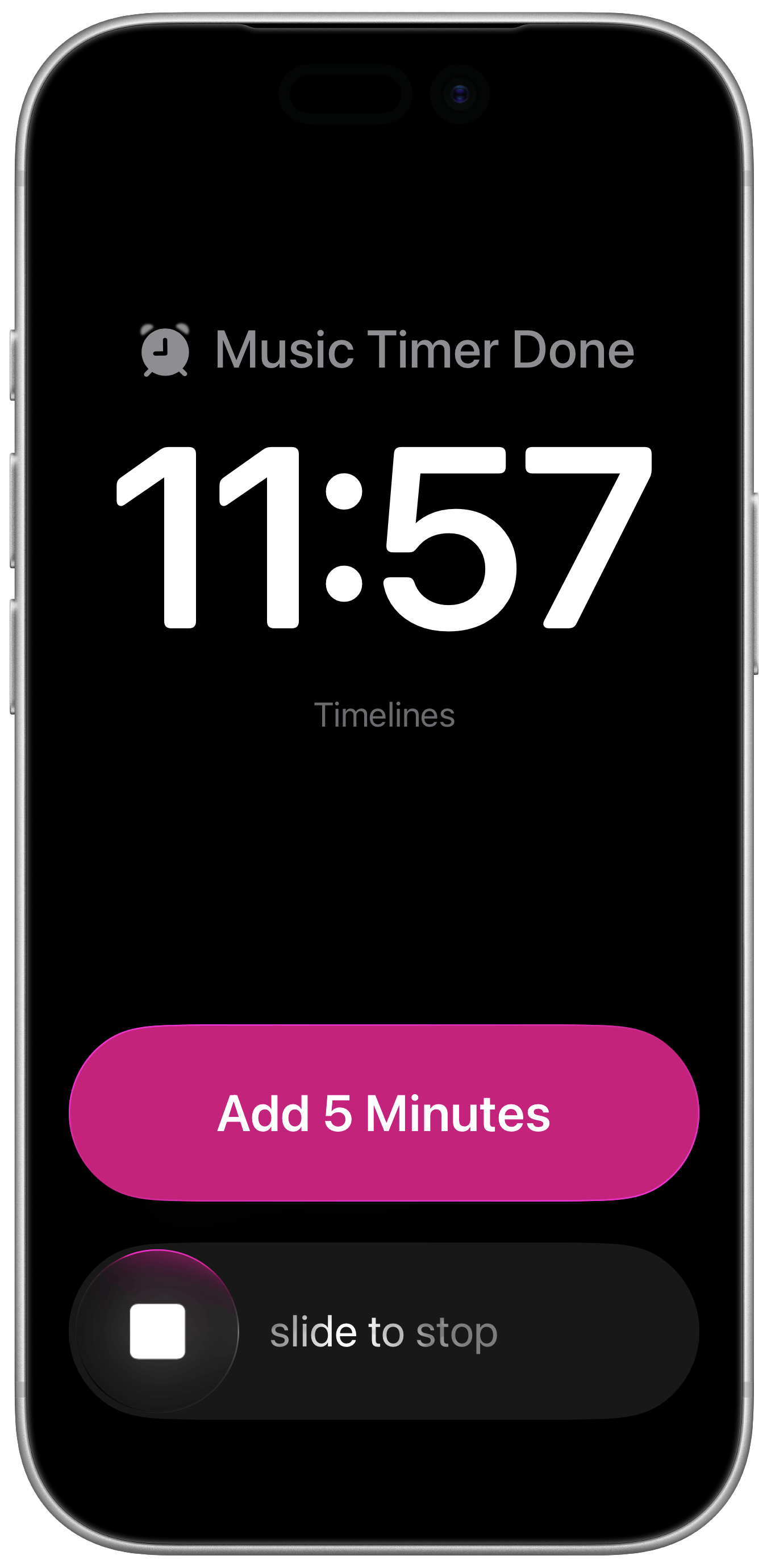
Say you want to practice guitar for 10 minutes, or study for an exam for the next 25 minutes. You can just set the timer, select the activity, and go. Then you can follow your progress in the session, and at the end you'll get notified either by notification or with an alarm.
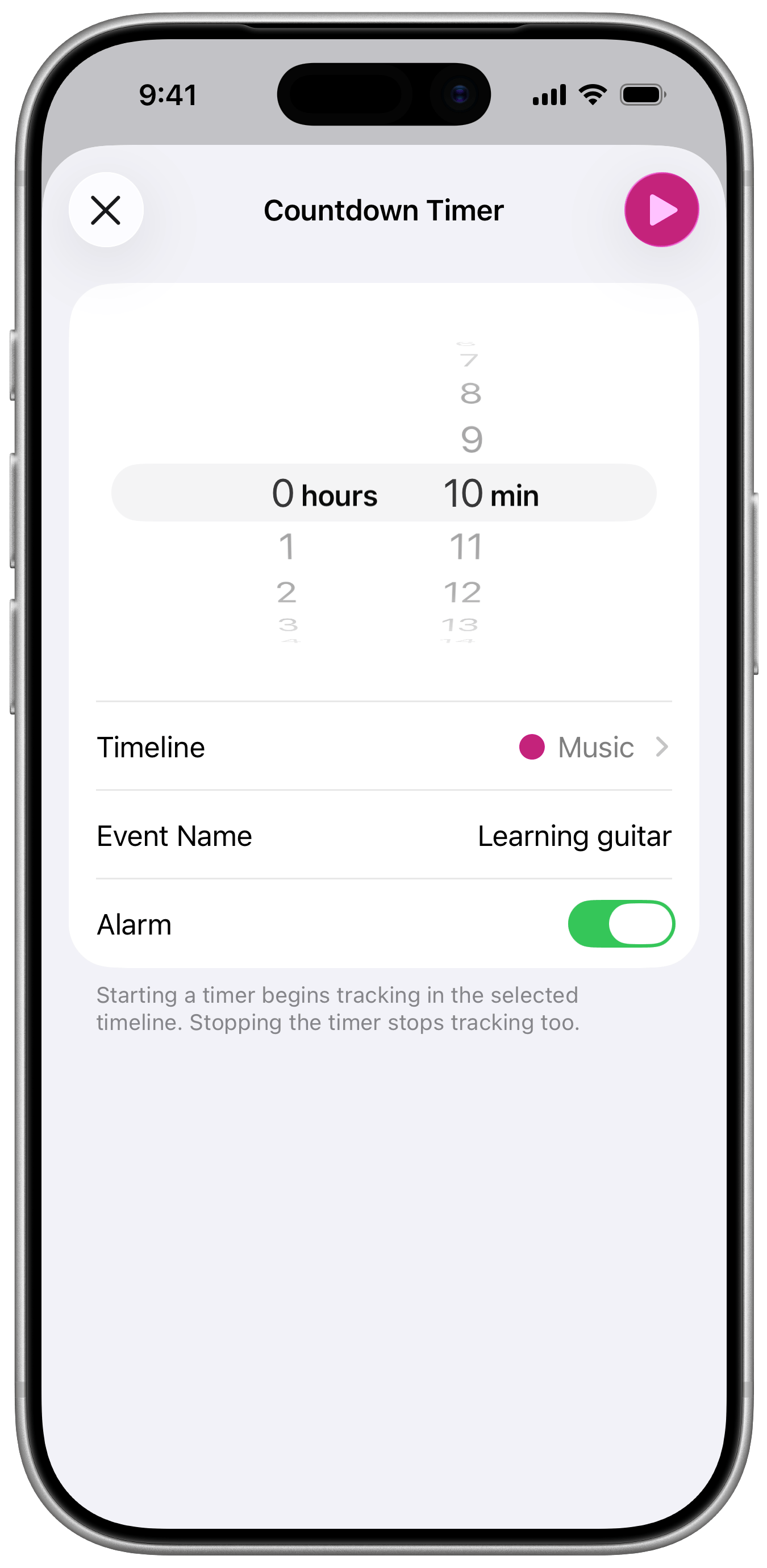
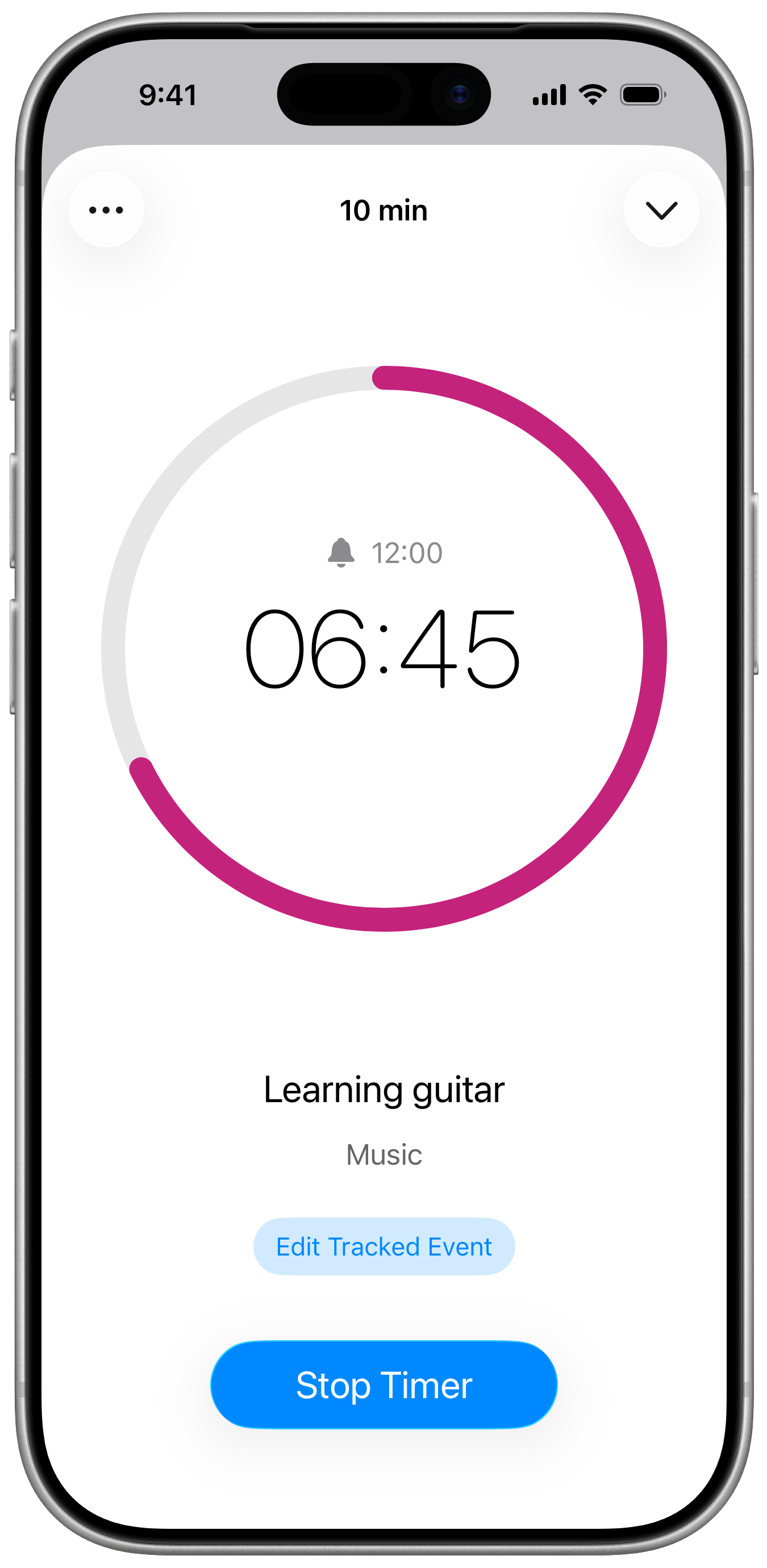
Countdown timers are automatically associated with the underlying tracking of a specific timeline. Stopping a countdown timer stops the tracking session as well.
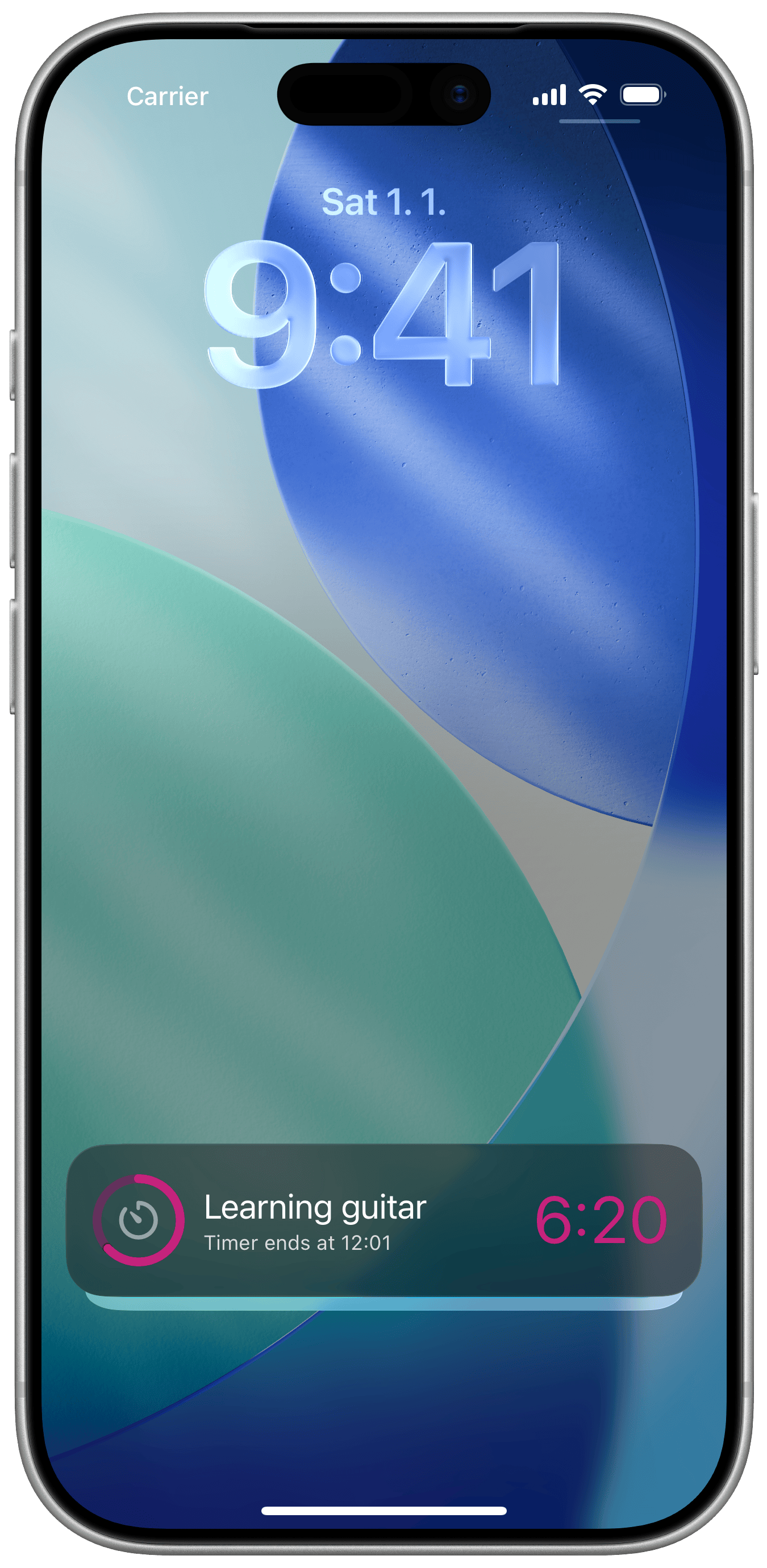
You can view the ongoing timer also on the Lock Screen as a Live Activity. There are two modes to choose from: counting down and counting up. Recent timers are remembered automatically, so you can easily reuse them later.
If you decide you need to adjust the target time during the timer session, you can easily do so using the context menu on the active timer screen.
Other Improvements
There are also many more smaller improvements in this update. In no particular order, here are the main ones:
- Improved performance when starting and stopping timers.
- New options for PDF exports: exclude empty timelines and sort by duration.
- Events Log now shows the total duration for each day.
- Added search to the Tracking tab when many timelines are present.
- Added the ability to add past entries in Timelines for Apple Watch.
- Fixed goals sometimes incorrectly counting time when events span across midnight.
- Fixed an issue where Pro status wouldn't be available after a reboot while offline.
You can download Timelines 4.3 here. I hope that you'll enjoy this update as much as I enjoyed working on it! And if you have any feedback, especially for the countdown timers, please let me know through the in-app feedback button.